ILR eVisa After Approval: Prove Your Status
Reviewed against official sources on 29 August 2026. After Indefinite Leave to Remain is granted, your decision and UKVI account explain how your status is recorded and proved. This guide covers eVisa access, share codes, travel details and practical checks. It is general information, not legal advice.
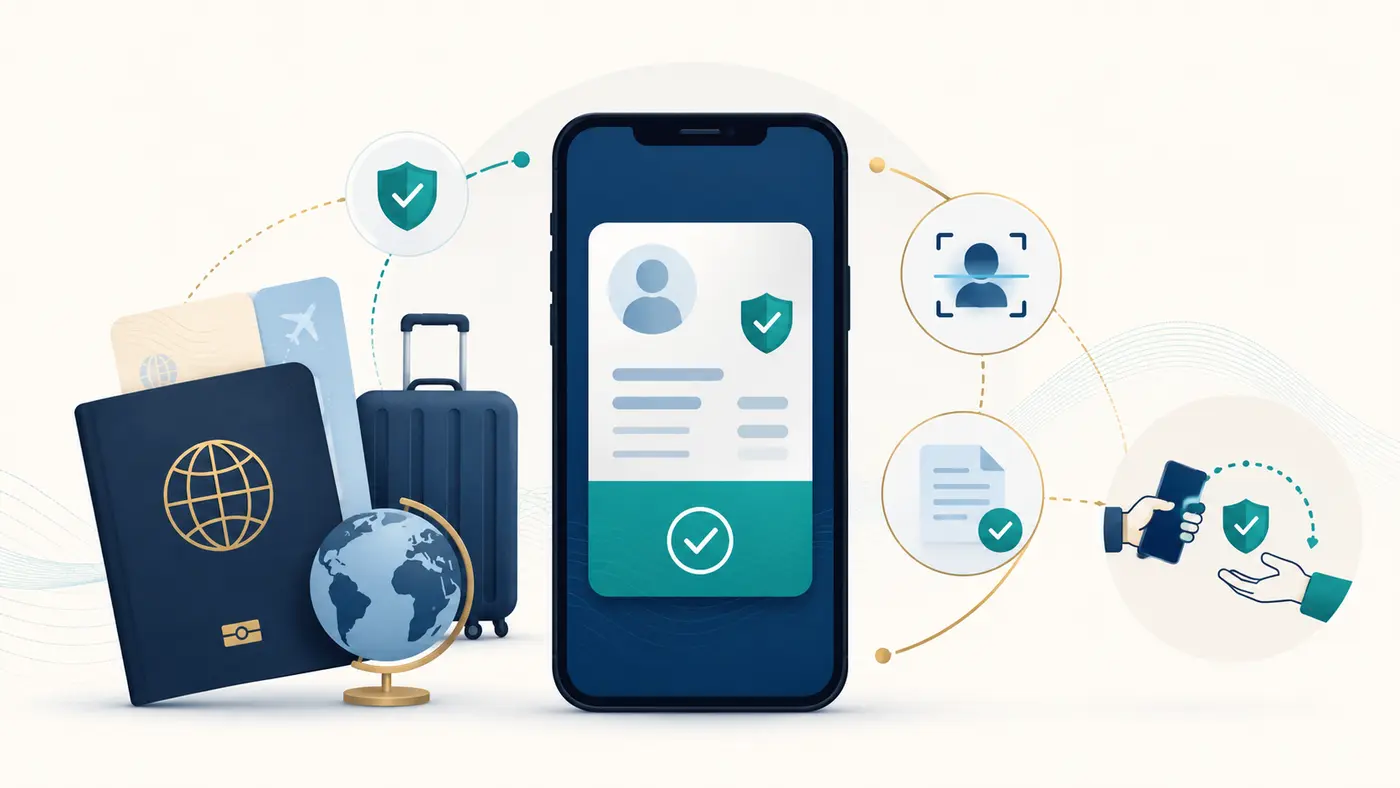
An eVisa is a digital record of immigration status and the conditions attached to it. It is not a new type of permission. If ILR has been granted, the eVisa should show the status recorded by UKVI.
Read the ILR decision first
Check the decision notice for the outcome, effective date, instructions and any action required. Do not rely only on an email subject line or an application-account status. Save the decision securely and compare the personal details with your passport and UKVI account.
- Check your name, date of birth and nationality.
- Check that the status and decision date are as expected.
- Follow any instructions for accessing or linking a UKVI account.
- Keep the application reference and decision notice.
View your eVisa
Use the official view and prove immigration status service to see your eVisa and obtain a share code when needed. Sign in using the identity document and account details linked to the UKVI account.
If you cannot access the account, use the support route shown on the official eVisa guidance. Do not create multiple accounts merely because one login attempt failed.
Check what the eVisa displays
- Your identity details.
- Your immigration status.
- Any conditions or relevant information attached to the record.
If a material detail appears wrong, follow the official process to report the error. Keep screenshots or records of the issue and the steps taken, but do not share account credentials or complete identity documents through an insecure channel.
Update the passport linked to your UKVI account
Keep the current passport or travel document linked to the UKVI account, especially before international travel. If you renew or replace the document, update the account through the official service and allow time for the change to be reflected.
The Home Office advises travellers to check their eVisa and ensure that passport details are current before travel. Carry the valid passport linked to the account and follow any additional carrier or destination requirements.
Use a share code to prove status
A share code allows an authorised organisation to view relevant status information for a limited purpose. The service may provide different proof routes for work, rent or another reason. Generate the code for the purpose requested rather than reusing an unrelated one.
- Start from the official view-and-prove service.
- Select the reason for sharing status.
- Give the resulting code and requested personal detail to the intended checker.
- Create a fresh code if the existing one expires or is for the wrong purpose.
Travel after ILR is granted
Before travel, check that the eVisa is visible and the travel document is correctly linked. Airlines and border authorities use the information available to them, so an outdated passport record can cause avoidable delays.
ILR can lapse after a sufficiently long absence from the UK, with the period depending on the type of settled status. Read the official ILR rights and status guidance before extended residence abroad. If ILR has lapsed, a Returning Resident visa may be relevant.
Legacy proof and no time limit applications
Someone with older evidence of ILR who does not yet have a digital record may need to use the official process for confirming status and obtaining an eVisa. The correct route depends on the documents and immigration history. Do not discard legacy evidence after creating an account.
Rights after ILR
ILR normally permits a person to live and work in the UK without a time limit on their stay. Access to services and benefits still depends on the rules for the particular service and the person’s circumstances. Use the official status record when proving immigration rights.
British citizenship is a separate application
ILR does not automatically make someone a British citizen. Eligibility and timing depend on the naturalisation rules, including residence, absences, good character and, for some applicants, how long settled status has been held. See our British citizenship after ILR guide and naturalisation date planner.
Post-approval checklist
- Save and read the decision notice.
- Access the UKVI account and verify the eVisa.
- Correct material errors through the official channel.
- Link the current passport or travel document.
- Use purpose-specific share codes when proof is requested.
- Review the effect of long absences before living abroad.
- Calculate citizenship timing separately if relevant.
Our ILR application guide covers the steps before the decision. For account-specific technical problems, use the official UKVI support route rather than sharing login details with a third party.
Last reviewed: 29 August 2026. Editor: Howard Wilson. Read our editorial standards.